
01 / Plan your cast
Five roles. You choose the people.
Tap an example portrait to learn its role. Add your own photos in the editor.
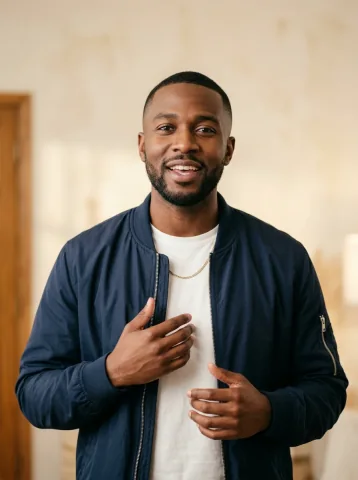
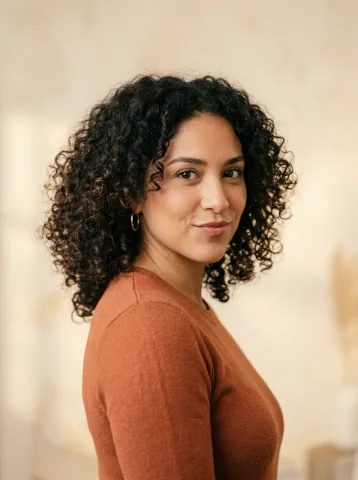
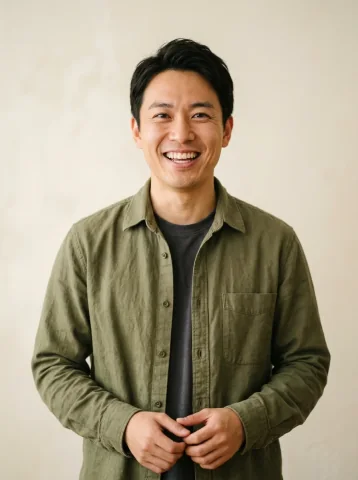
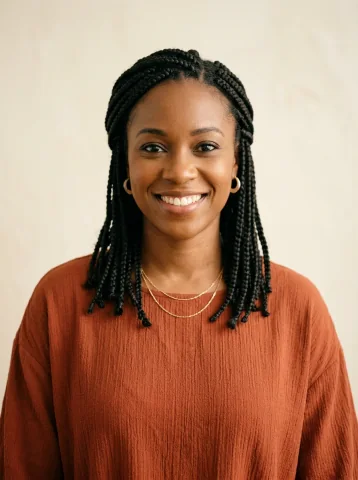
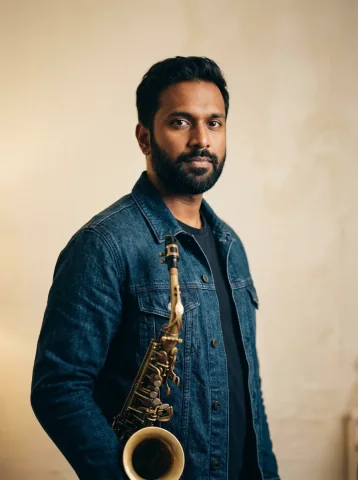
Example cast map and concert inspiration are shown separately. This is not a before-and-after generation test.
02 / See the concert style
Put a face to each part
Who goes in each Outstanding Tiny Desk role?
You do not have to fill the slots in order or upload a lead first. Add, replace or remove any available portrait in the visual cast map.
The close-up
Lead singer
Choose the person you want at the front microphone and in the singer close-up. A clear, relaxed portrait makes your intended identity easier to read.
The left harmony
Left backing singer
This person supports the lead on the viewer’s left. Use a separate portrait if you want a friend in this position; leave it empty for a fictional adult.
The right harmony
Right backing singer
This is the backing singer on the viewer’s right. Left and right describe the audience’s view, so check the cast map before generating.
Behind the keys
Keyboard player
Assign the person you want at the keyboard. This role is separate from the lead: adding a keyboard portrait does not assign it to every singer.
The sax break
Sax player
Give the saxophone moment its own portrait. You can cast only this position if you like; the remaining roles become fictional adult bandmates.
One person can play the whole band: add a lead portrait and turn on Use my face for every role. This deliberately repeats one likeness, rather than asking for five different people. See the one-photo band walkthrough.
Choose your Tiny Desk AI template scene
Outstanding band is the five-role setup. Prefer a solo or duet? These 5 scenes use the same editor, with their own photo positions and storyboard compositions.
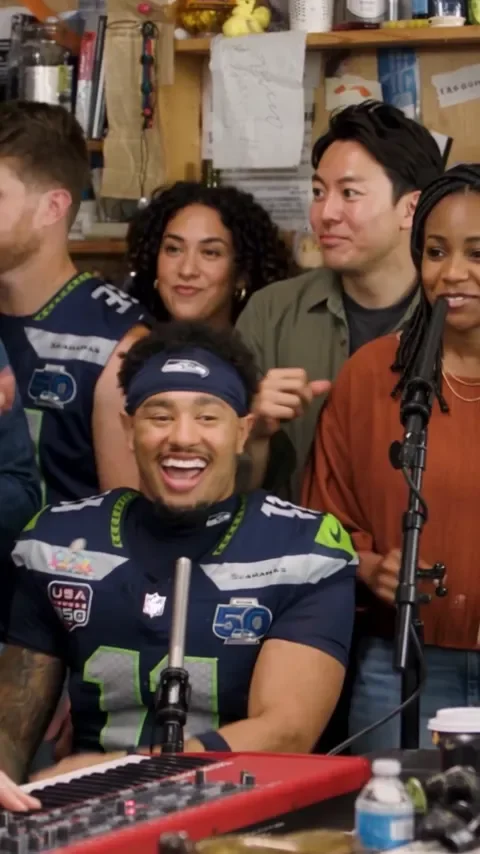 Outstanding band1–5 photos
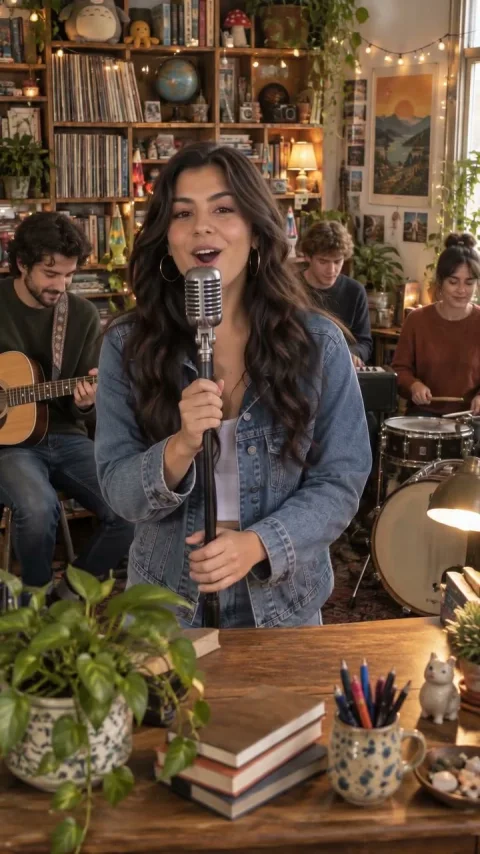 Soul session1 photo
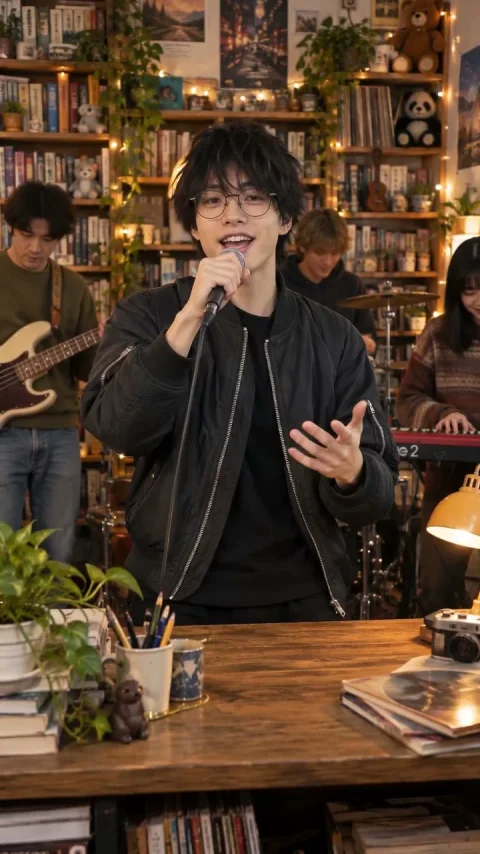 Indie session1 photo
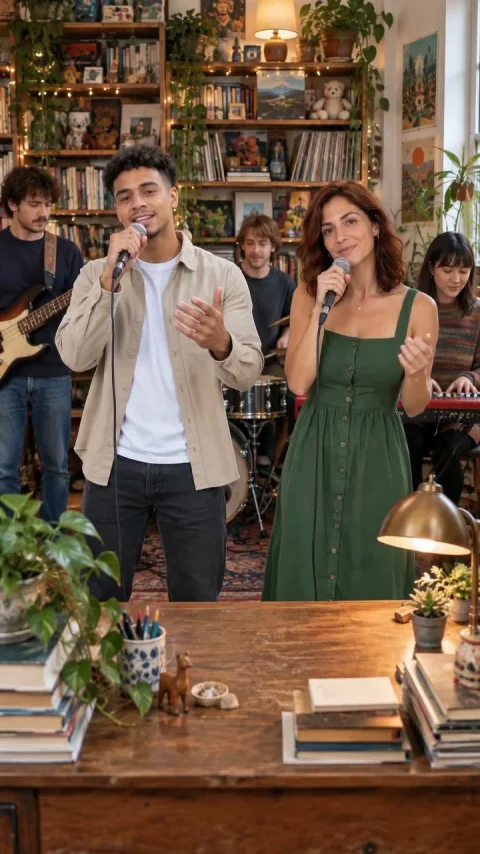 Harmony duet1–2 photos
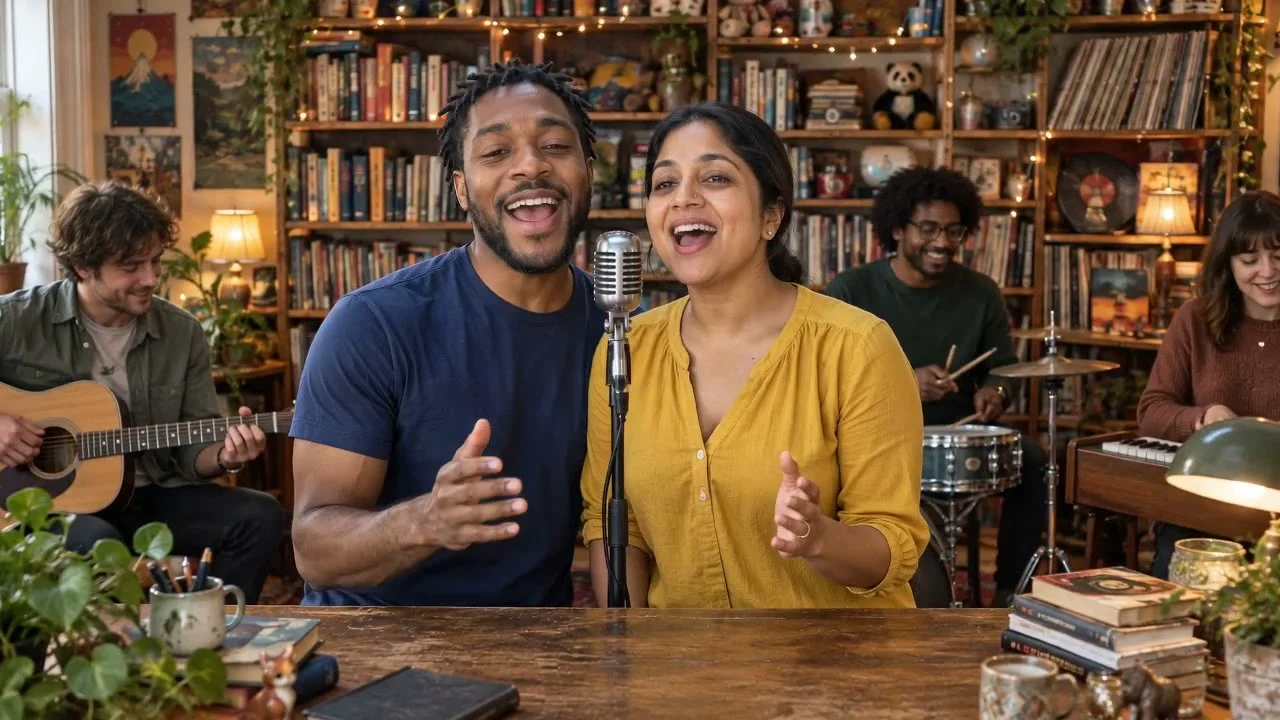 Soul duet1–2 photos
Compare the full scene and cast options. Rooms and outfits are separate controls, so choosing a different room does not require another template.
How to use the Outstanding Tiny Desk AI template
- Choose the scene. Open Outstanding band for five available roles, or choose a solo or duet scene.
- Add your photos. Tap the person in the cast map. For precise role assignment, use one consenting adult per portrait.
- Review your storyboard. Check the four illustrated shots and play the local slideshow. You can change photos or settings before paying.
- Generate when ready. Use an existing matching-quality credit, or choose a pack. Buying adds credits; you confirm generation separately. Download your completed MP4 in My videos within seven days.
Use JPG, PNG or WebP. The accepted input range is 300–6,000 pixels on each side, up to 20 MB. The upload step checks your file before submission. See photo and crop examples.
What does this Tiny Desk AI template make?
Both shapes cost the same within each quality, and adding portraits does not add credits. Full HD uses its own model and credit; it is not an upscale of an existing HD video. Compare models and dimensions or see current one-time packs.
Videos are silent by default. Optional AI instrumental music creates a new backing track; it does not include the original “Outstanding” song, sung lyrics or exact lip-sync. Faces, camera movement and instruments can vary in the generated result.
Tiny Desk AI template questions
Do I need five photos for the Outstanding Tiny Desk AI template?
No. Outstanding band accepts one to five separate adult portraits in any available roles. Empty positions become fictional adults. Use my face for every role requests the same person in all five roles from one lead portrait.
Is the Tiny Desk AI template free?
The local four-shot storyboard and timed slideshow are free, with no account or card required. They show the cast and camera plan, not generated footage or a prediction of the final result. Finished AI video generation uses one credit of the selected quality.
Is this a CapCut template or the original Outstanding video?
This is a browser-based generator with its own scene and role controls, not a CapCut editing project. It requests a new AI performance. It does not replace faces in official concert footage or include the original Outstanding recording.
Does changing the number of people or video shape cost more?
No. A successful video uses one matching-quality credit whether you add one portrait or five, or select 9:16 or 16:9. HD is 15 seconds at 720p; Full HD is 19 seconds at 1080p and uses its own credit type.
Can I use one group photo instead of individual portraits?
Yes. Choose One group photo in Outstanding band for 3–5 consenting adults together at the front, preserving their left-to-right order. For individual lead, backing, keyboard and sax assignments, use separate portraits instead. Group-mode results vary.
Make the Outstanding Tiny Desk band your own
Start with one photo or bring up to four bandmates. No account or card is needed for the local storyboard.
Preview my band setup ↗