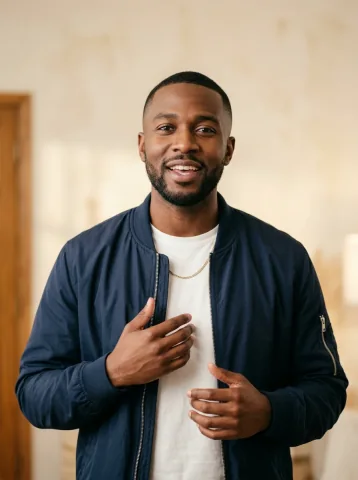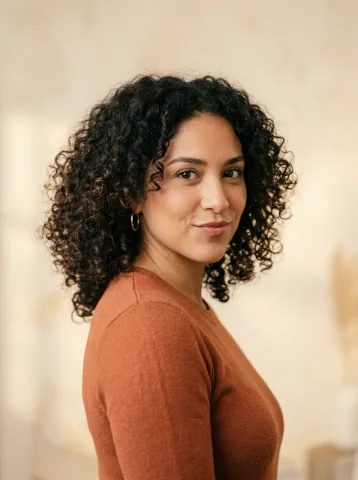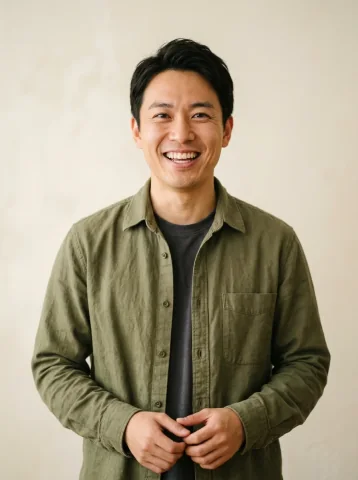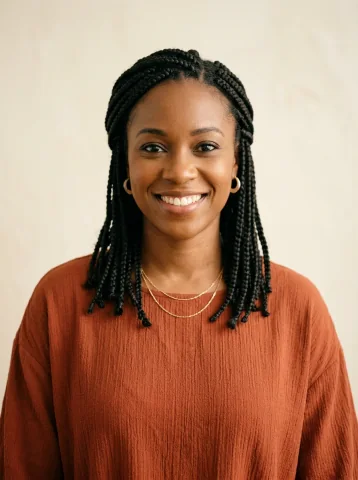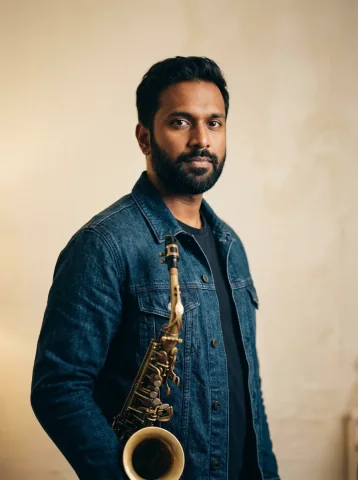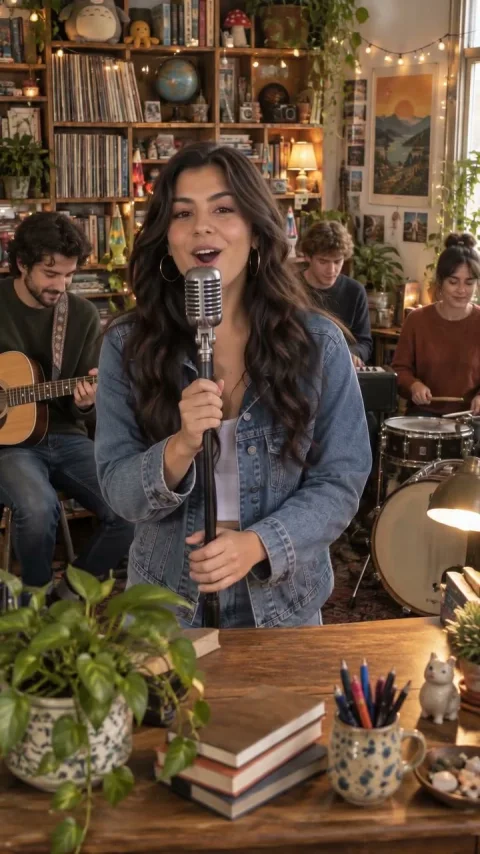
One lead singer
Solo soul concert
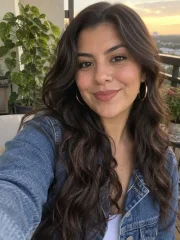 Photo
PhotoTurn your photos into a Tiny Desk AI concert. Silent by default, with optional AI background music.
Solo, duo or the whole band. Find your concert mood.
Photo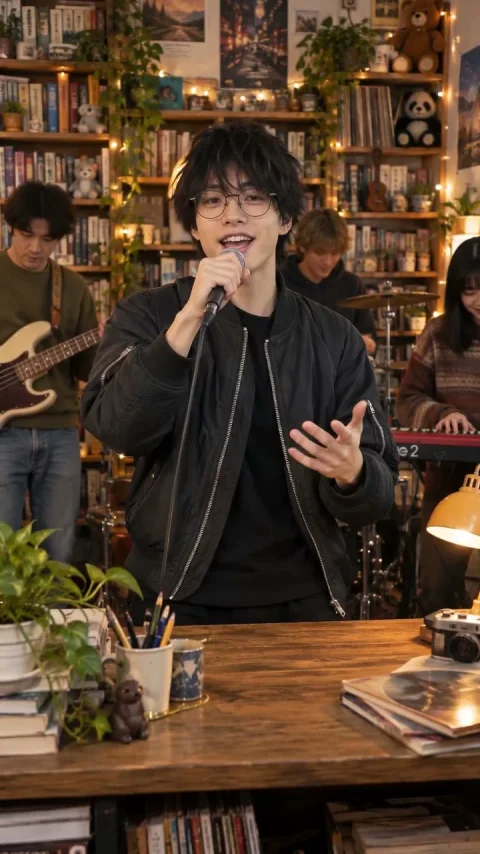
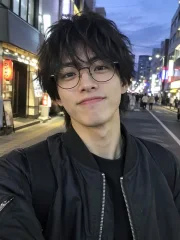 Photo
Photo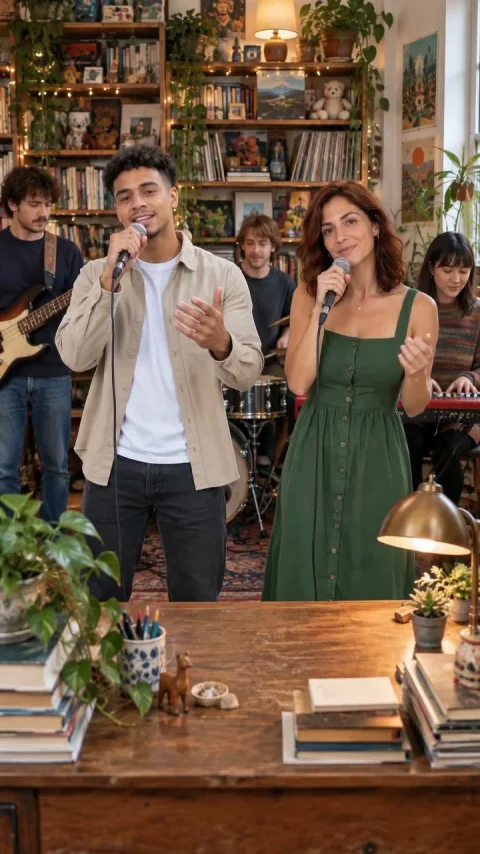
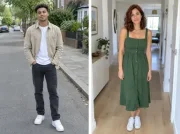 Photo
Photo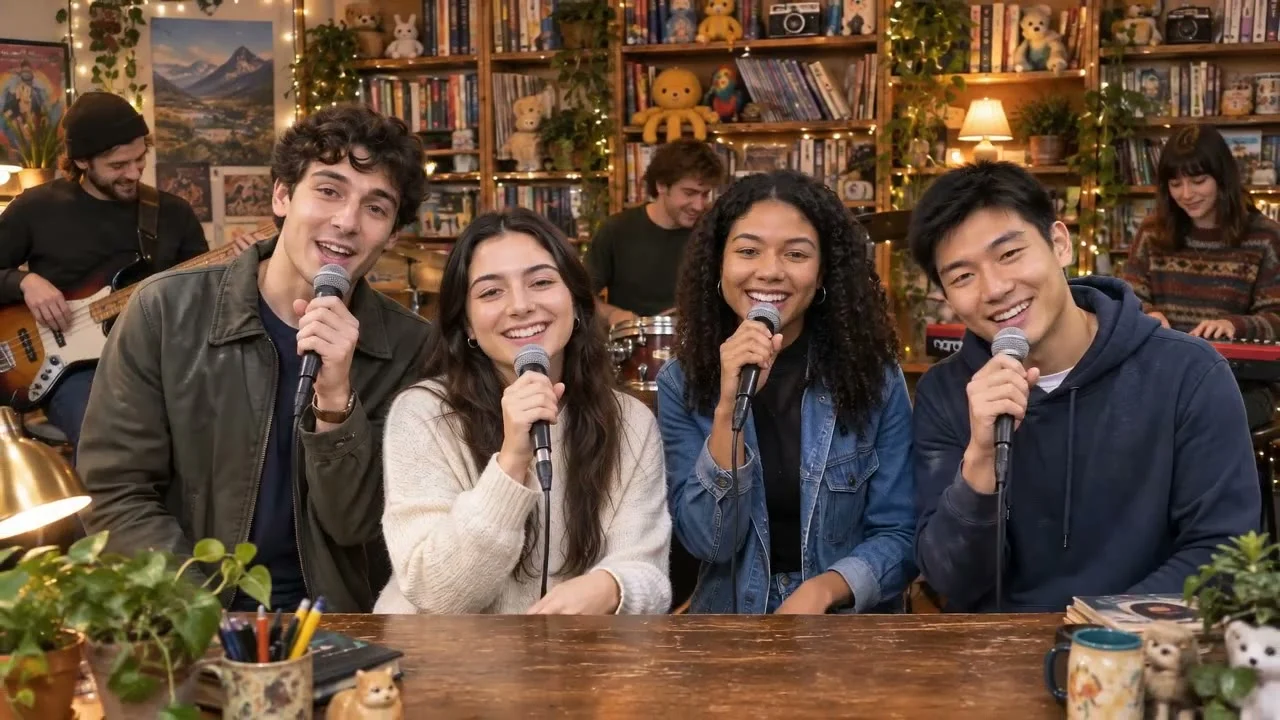
 Photo
Photo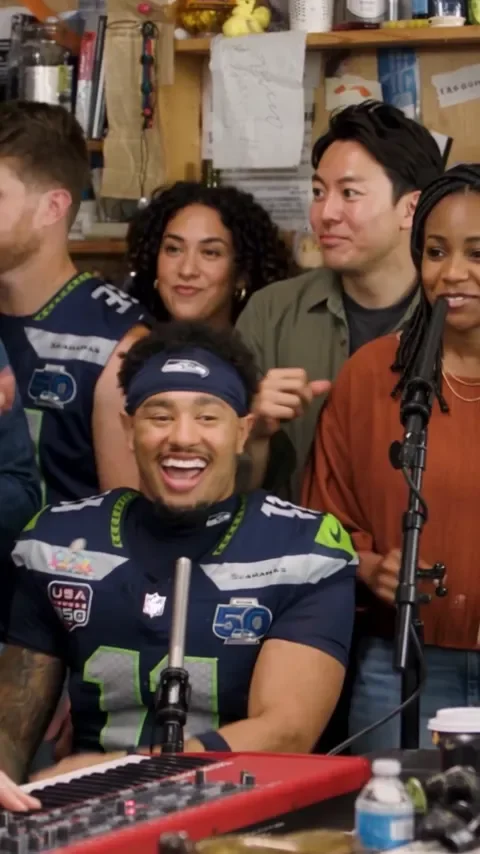
 Photo
Photo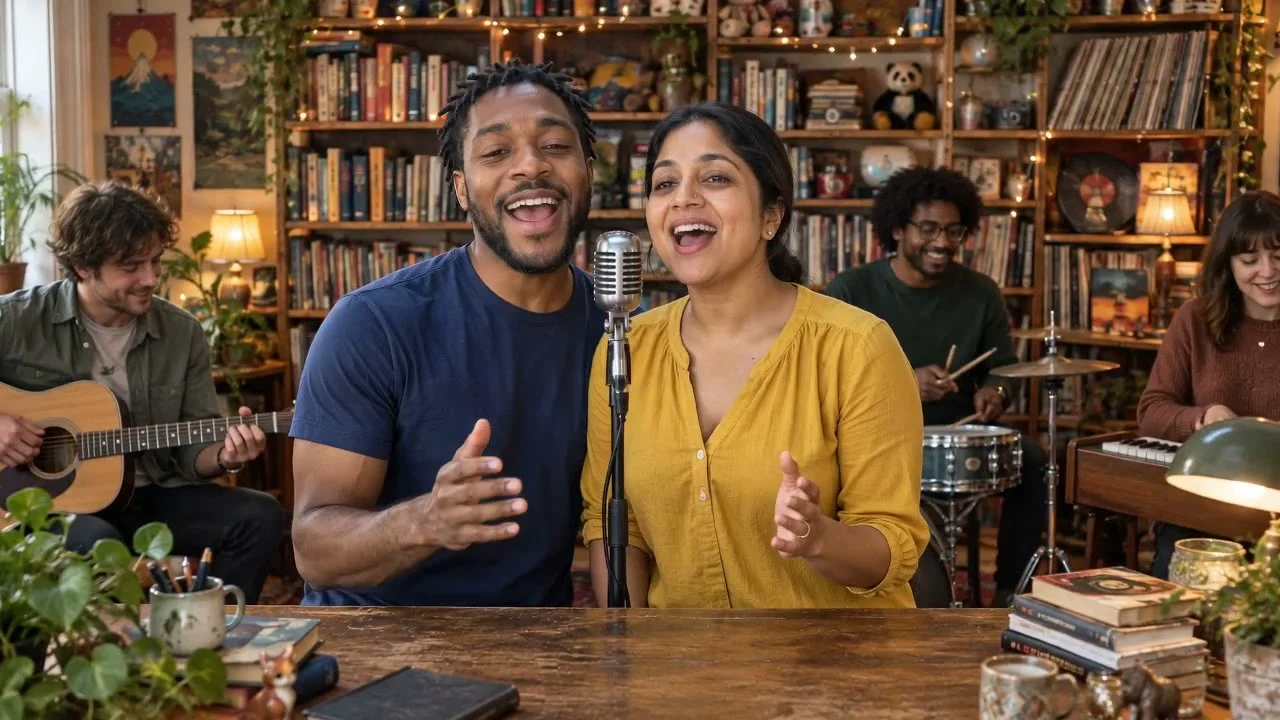
 Photo
PhotoChoose your cast
Different people, two co-leads, one face in every role, or a solo debut. Pick your picture.
1–5 portraits. You assign the five roles; unfilled spots become fictional adults.
Cast the five roles ↗Duo duet2 separate portraits. A left singer and a right singer share the lead.
Make a two-person duet ↗One-person band1 portrait. Your likeness is requested for all five performers.
Play every role ↗Solo spotlight1 portrait. You lead; four fictional adult musicians back you up.
Take the lead ↗Illustrative cast maps, not generated results. Have a group photo? Crop a clear portrait of each adult before adding it to a role. Automatic group-photo splitting and pet performances are not supported. See which photos work.
The meme, frame by frame
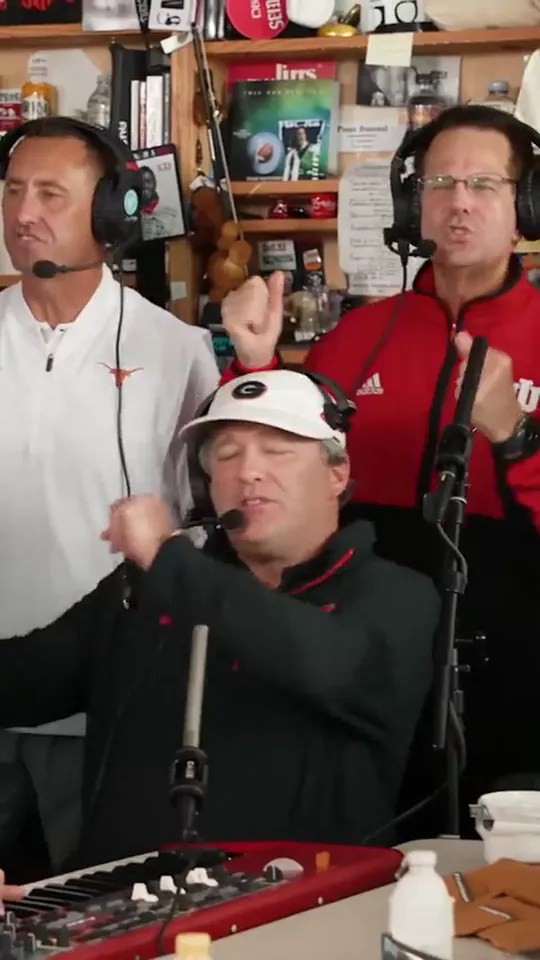
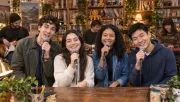
The opening brings the lead and backing singers together around a crowded desk, with records and shelves filling the room.
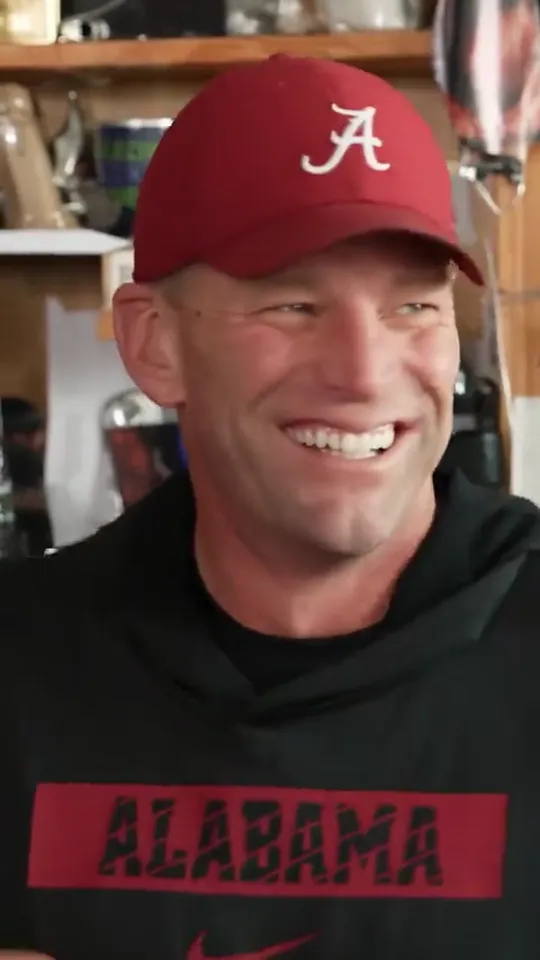
A closer frame makes the singer’s expression the centre of attention, giving the performance a more personal feel.
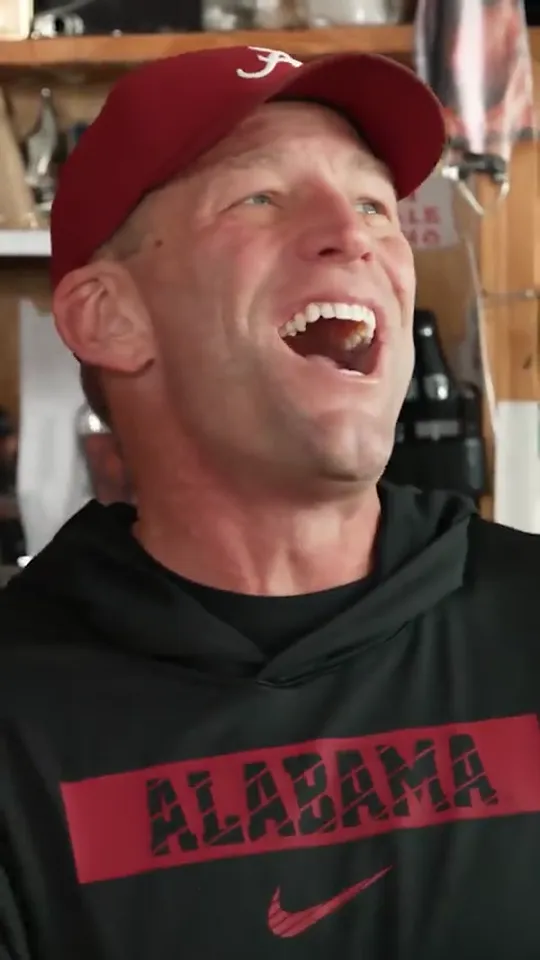
A burst of laughter breaks up the singing and adds the spontaneous energy of friends sharing a small stage.
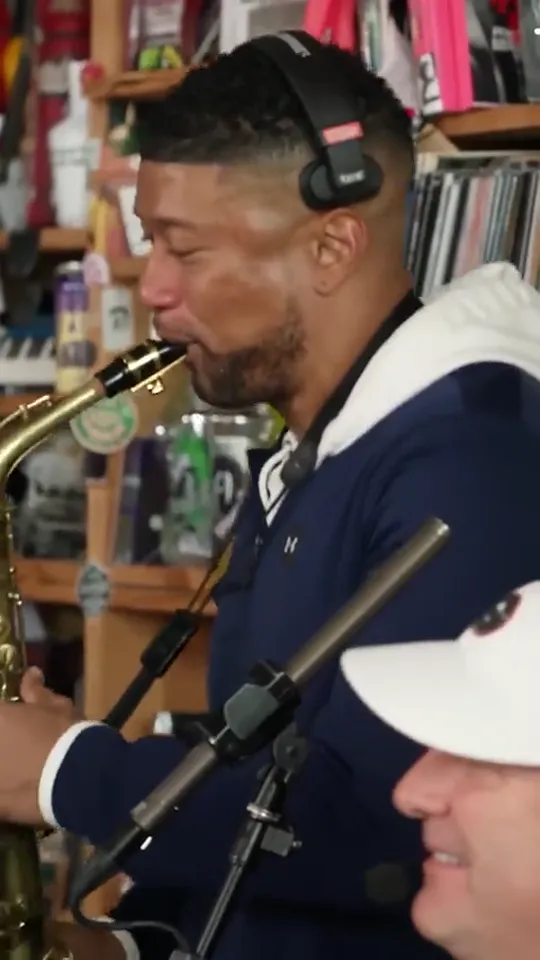
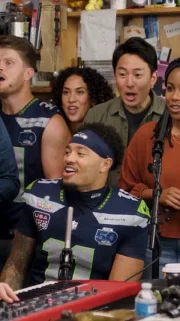
The focus shifts to the sax player, giving another member of the band a moment in the spotlight.
Trend reference frames, not videos made with this tool. Your performance is newly generated; camera shots and expressions can vary.
From camera roll to curtain call
5 CONCERT SCENESPick the look; preview its reference.
Tap any role; leave the rest to AI.
A cast & camera plan, before paying.
Sign in, use a credit, then download.
Pick the mood
Three illustrated set concepts. Choose the mood; your photos guide a newly generated scene.
Choose how you want to make it
Use the generator for a prepared photo-to-concert workflow. If you prefer to build your own, the prompts and instructions are free to use.
| Your approach | What you control | What to expect |
|---|---|---|
| Tiny Desk Generator | Cast mode, photos, assigned roles, set, outfits, shape and sound. | Free local storyboard; paid generation with fixed HD or Full HD specifications. Compare our packs. |
| A video editor | Your own clips, cuts, captions and separately licensed audio. | You supply footage and do the editing. The editor’s own fees and licensing terms apply. |
| Write your own prompt | Camera, timing and visual direction in your chosen model. | Eight free prompts and a builder. Generation costs and supported features depend on your provider. |
Our direction is public: read the exact baseline generation preset. A prompt is an instruction, not a guarantee of the result.
Before you make it
One-time video packs
Preview the Tiny Desk AI generator with your photos for free, then choose the quality and number of videos to make.
Preview with my photo ↗A longer performance, more detail
19 seconds at 1080p, generated with Seedance 2.5. This uses its own Full HD credit; HD credits stay available for HD videos.
Each video is generated separately. More pixels do not guarantee a closer likeness. You can preview the cast, shape and camera plan before choosing a pack.
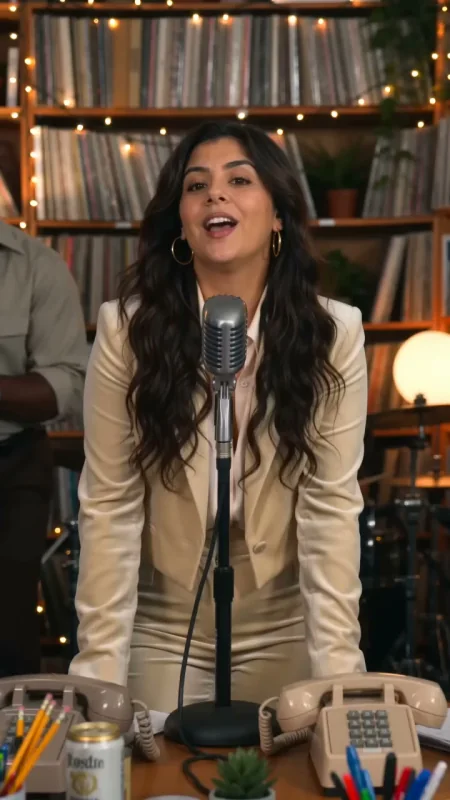 9:16
9:16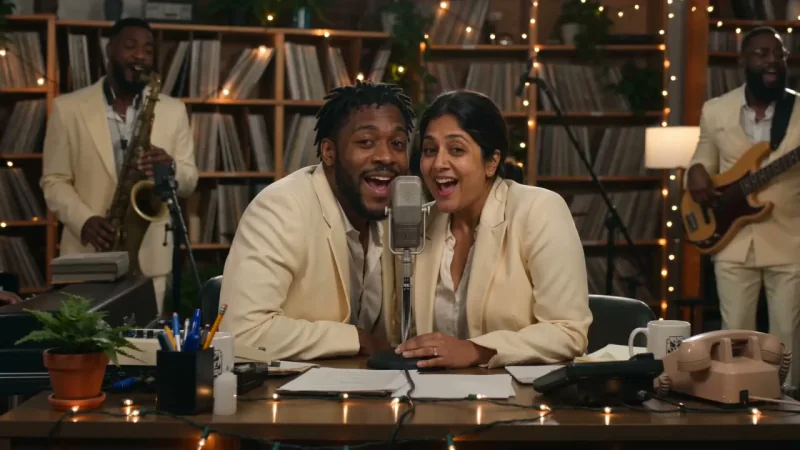 16:9
16:99:16 or 16:9
Both shapes. Same price per quality.
External reference stills show framing only, not a comparison of our model output or image quality.
The Tiny Desk AI generator offers two fixed model, duration and resolution options. Pick your shape in the editor.
| Your video | HD | Full HD |
|---|---|---|
| Model | Seedance 2.0 Fast | Seedance 2.5 |
| Length & resolution | 15 seconds · 720p | 19 seconds · 1080p |
| Portrait / landscape | 720 × 1280 / 1280 × 720 | 1080 × 1920 / 1920 × 1080 |
| One generation | 1 HD credit | 1 Full HD credit |
| Price per video | $6.98–$9.90 | $29.90 |
| Choose it for | Everyday posts and group chats | A longer clip and more pixels |
Both include MP4 download, up to five adult photo references and optional AI-generated instrumental music. Adding people or changing shape costs no extra credits. Full HD is a new generation, not an upscale. AI likeness and movement can vary.
USD, one-time payment. HD and Full HD credits cannot be exchanged.
No sign-up. No subscription. Free storyboard preview; finished AI videos use paid credits. Follow the walkthrough · Payment help
These third-party style-reference videos were not made with our Tiny Desk AI generator. They do not demonstrate either paid option. Our videos create a new performance with optional AI-generated instrumental music; they do not include the reference soundtracks. Faces and movement can vary.
Your uploaded image is a local photo preview, not a generated video result. It stays in your browser until you confirm generation.
Explore the Outstanding Tiny Desk AI trend · Follow the making-of guide
It is an AI desk-concert format: your photo becomes a performer in a newly generated, intimate band scene. This independent tool is not affiliated with NPR or the Tiny Desk Concerts series.
No. This generator creates a new performance, silent by default, with optional AI-generated instrumental music. It does not reproduce the Outstanding recording, clone an artist’s voice or replace faces in official concert footage.
Choose a scene, then tap any person to add a photo. Outstanding band accepts one to five portraits in any of its five positions. Soul session and Indie session use one portrait; Harmony duet and Soul duet accept a photo for either or both singers. Empty positions become fictional adults. A lead portrait in Outstanding band can also play every role.
HD uses Seedance 2.0 Fast for 15 seconds at 720p. Full HD uses Seedance 2.5 for 19 seconds at 1080p. Both support 9:16 portrait for TikTok or 16:9 landscape for YouTube, delivered as MP4. Videos are silent by default; AI-generated instrumental music is optional. Video generation availability is shown beside the create button.
Preview four storyboard frames with your selected cast and copy a concert brief for free. This composition plan stays in your browser and does not generate AI footage. A finished AI video requires sign-in and a credit for the selected quality.
Resemblance, facial expressions, instruments and movement can vary. AI output is not a guaranteed likeness or an exact recreation of a real performance.
No. Preview, pay and generate without signing up. Your credits and private videos stay available in this browser. After payment, save a recovery code or connect Google if you want access after clearing browser data or on another device. Video downloads expire after seven days. Buying a pack does not start a generation.
Use one consenting adult per photo. If you have a group photo, crop each person into their own portrait first. Automatic group-photo splitting and pet performances are not supported. We do not provide celebrity or coach impersonation templates.
A confirmed failed generation returns its reserved video credit. An uncertain provider response stays under review to avoid starting and charging for another task. A credit return is different from a cash refund.
Prepared photos stay in your browser until you explicitly start generation. Submitted photos are stored privately and sent to APIMart for photo approval and video generation. Site copies are deleted after a submission receipt. Interrupted uploads enter cleanup after 24 hours. Provider retention is separate; see Privacy.
Completed videos are available in your private account for seven days. Download the MP4 during that period. You can delete a completed result earlier.
We do not grant a blanket commercial or music license. Use photos with permission, check the model provider’s terms and any rights that apply to your intended use, and label your video as AI-generated.
The group chat deserves an encore
No signup, no card. A local storyboard, not a generated video.