
Cast templates
Outstanding Tiny Desk AI templates
Choose a cast that matches the photos you have. These four presets set the roles in the editor; you can preview the cast locally before buying a video.
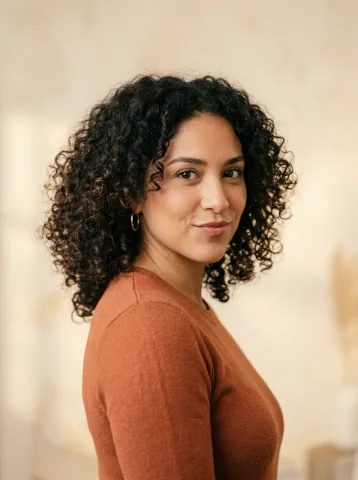
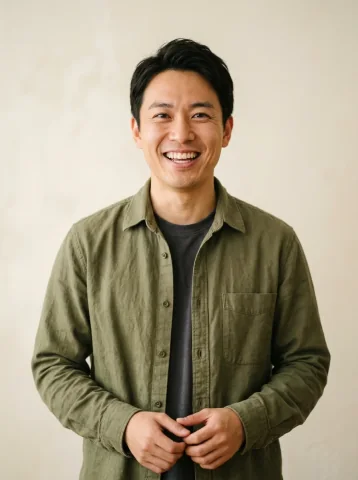
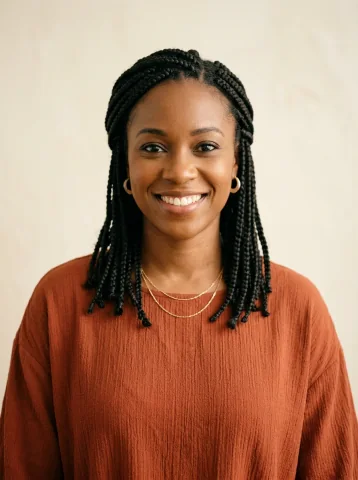
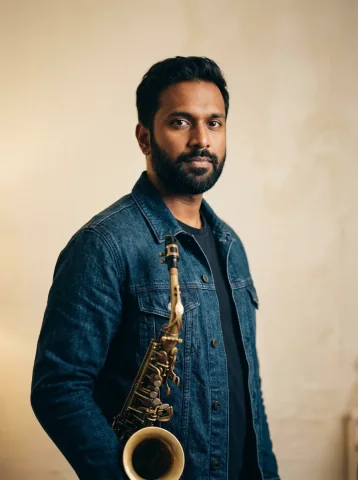
Five-person band
You have portraits of friends or a team.
Place the lead first, then left harmony, right harmony, keys and sax. Empty roles use fictional adults.
Use five-person bandDuo duet
You have two separate photos.
Upload one adult for the left lead and one for the right. Both are required; each keeps a co-lead role.
Use duo duetOne-person band
You want to play every part yourself.
Use one clear portrait. The brief deliberately assigns the same person to five separate performers.
Use one-person bandSolo spotlight
You want one person in the spotlight.
Upload the lead only. Four fictional adult musicians fill the backing band.
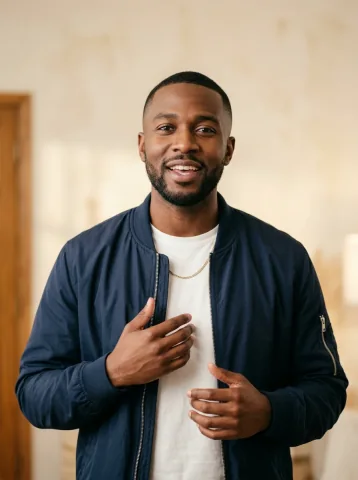
Use solo spotlightIllustrated role maps using reference portraits. These show casting, not generated results.
What does an Outstanding Tiny Desk AI template change?
The template changes who performs, which portrait guides each role and how the camera follows the cast. It creates a new scene; it does not paste faces into a fixed concert clip. Choose the room, outfits, original instrumental sound and 9:16 or 16:9 framing in the editor.
Starting with a group photo?
Crop each adult into a separate portrait before choosing the band or duo. There is no automatic group-photo splitting. See the photo guide.
Starting with a pet photo?
These presets support consenting adults. Pet performances are not supported; choose a service that explicitly offers them.
Try the free Tiny Desk AI storyboard first
The preview places your photos in three planned frames. It runs in your browser without an account or payment; it is a composition plan, not an AI-generated video or a prediction of the final likeness.
Every cast supports 15-second 720p or 19-second 1080p generation. Compare the two video options. Google sign-in and one matching video credit are required for the finished MP4.