
Tiny Desk AI field notes
How to cast a five-person Tiny Desk AI concert
Place your friends on the right microphone, keys and sax — before you use a credit.
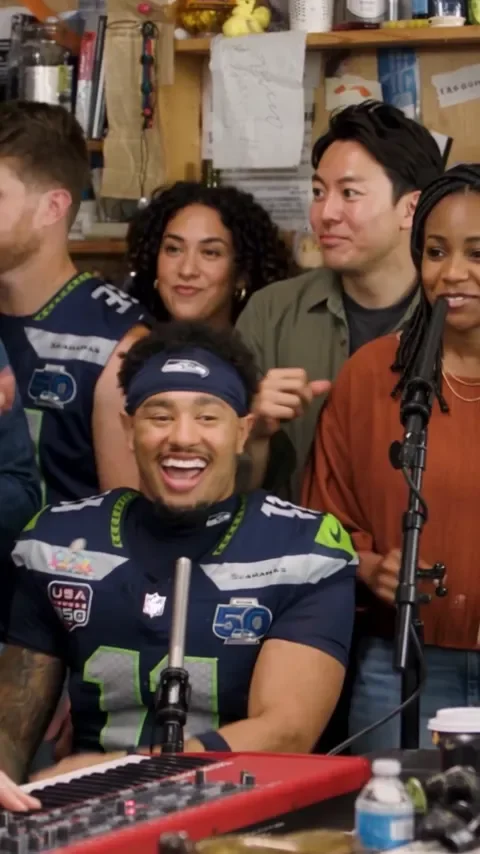
Use the scene to decide who takes the lead, joins the backing vocals, plays the keys and takes the sax. This image is concert inspiration, not a result generated by this site.
Open Outstanding bandStart with the Outstanding band scene
Open the editor and choose Outstanding band. The scene sets the presentation; you decide which roles receive your portraits by tapping them directly. A five-role band can contain one supplied identity and four fictional adults, or five supplied identities.
For five different people, add a portrait to all five positions. If you only have three portraits ready, place them on any three roles: lead, backing vocals, keys or sax. You can also supply just the sax player; a lead photo is not required. Empty roles become fictional adults. A duet has two singer positions and accepts a portrait on either one or both.
Want to compare the whole set first? The Tiny Desk AI scene guide explains Outstanding band, both solo sessions and both duets.
Put each portrait in the role you want it to play
The upload board is a visual map. Tap the large plus over a role, choose that person’s portrait, and check the thumbnail that appears. Tap the thumbnail to replace it. You can also drop an image onto a position and remove it with the control below the board.
- 01
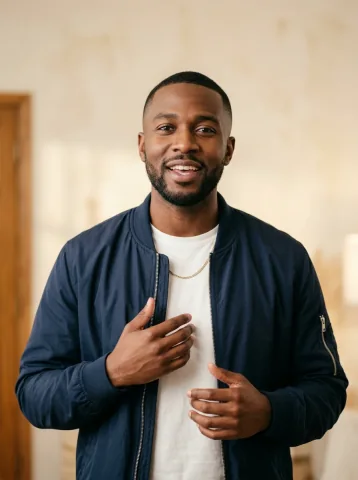 Lead singerThe main close-up
 - 02
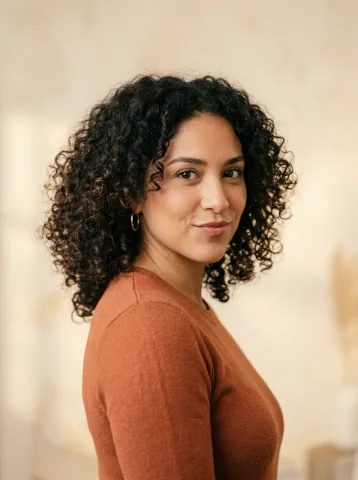 Backing singer · leftViewer’s left backing voice
 - 03
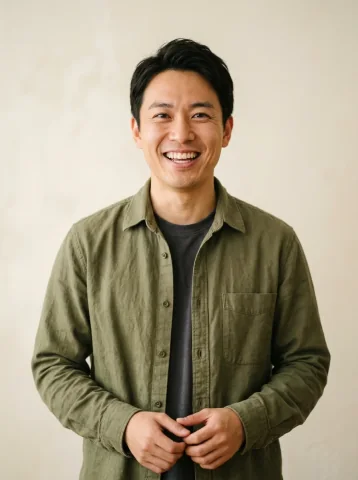 Backing singer · rightViewer’s right backing voice
 - 04
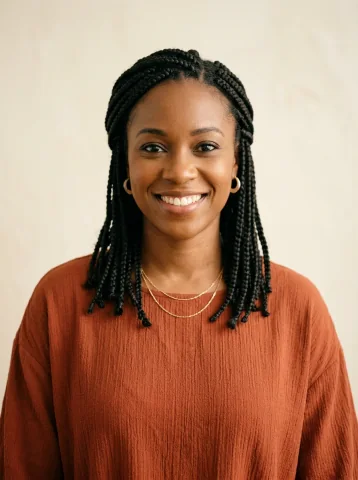 Keyboard playerAt the keyboard
 - 05
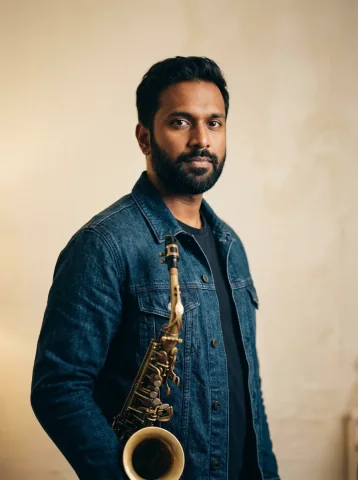 Sax playerThe sax close-up
Illustrative portraits and role positions. The map assigns identities; it does not paste faces into the reference footage or guarantee an identical final composition.
Left and right mean the viewer’s left and right. Decide the assignments before adding photos, especially when everyone sends a portrait separately. An easy preparation method is to name your files lead, left-vocal, right-vocal, keys and sax. Those filenames are a personal checklist; the position you select in the editor determines the role.
Use one consenting adult per photo, even if you start from a group picture
Choose an individual portrait for each role. Keep the face clear enough to recognise, with both eyes visible and without a heavy filter. If you only have a group picture, make an individual crop of each person before uploading. The editor does not split a group photo into five faces automatically.
Inspect each crop at normal size. Enlarging a tiny face does not recover detail that was never in the original. If a crop becomes soft or pixelated, ask that person for a separate photo. The photo guide shows clear, dark, small and blurry references so you can compare before spending a credit.
Each person must be an adult who has agreed to this AI use of their likeness. The product creates a fictional performance; it is not a recording of those people actually singing or playing instruments.
Check the cast and frame before using a video credit
Five supplied people means five filled positions.
Match each thumbnail to the role below it.
Choose portrait or landscape before generating.
Keep silence or choose AI instrumental music.
Review my concert opens a free, local storyboard. It is useful for finding a misplaced portrait or wrong option; it is not a generated sample and cannot prove that all five identities will stay accurate in motion. Changing scenes keeps unused portraits locally. Only photos assigned to roles in the current scene go into generation.
HD is 15 seconds at 720p, with a single video priced at $9.90. Adding people does not increase the selected quality’s credit cost. Full HD uses a different model and credit balance; see the resolution and model comparison before choosing it.
After payment adds the required credit, generation still needs your confirmation. If a completed result has a serious technical issue, save its job ID and ask support to review it before repeating the same paid request.
Questions before your next step
Do I need five photos for a five-person Tiny Desk AI concert?
No. The Outstanding band scene accepts one to five individual portraits. Tap any role you want to cast, in any order. The remaining band roles become fictional adults. To use five different people, add one portrait to each of the five roles.
Can one person play every role in the Tiny Desk AI band?
Yes. In Outstanding band, turn on Use my face for every role. One portrait then supplies all five identities. With that option off, each portrait guides only its chosen role and empty positions become fictional adults.
Does adding more people cost more credits?
No. One generation uses one credit of the selected video quality. Adding up to five portraits to Outstanding band does not change that cost. HD and Full HD use separate credit balances.
Build your five-person Tiny Desk AI cast
Choose the band scene, then place portraits on any roles you want to cast.
Set up my bandProduct details checked against the current editor and configuration on .